IPTV Installation Tutorial
Learn how to do IPTV Installation in just 5 minutes. Step-by-step tutorial for any device. Fast, easy, and beginner-friendly setup!
IPTV Tutorial for All Devices and Apps

How to Install Our IPTV STREAM+ Service
Step 1: Download an IPTV app
- Download an IPTV app like TiviMate, IboPlayer, Smarters Pro, etc. The apps are compatible with various devices, including smartphones, tablets, smart TVs, and set-top boxes (see installation tutorial for each app below).
Step 2: Subscribe to our IPTV+ service
- Subscribe to our IPTV service by visiting our Home page. Choose the plan that best fits your needs and enter your billing and payment information. Once your subscription is confirmed, you will receive your login credentials via email.
Step 3: Launch the IPTV app
- Launch the IPTV app on your device and enter your login credentials provided during the subscription process.
Step 4: Navigate to the channel list
- Navigate to the channel list to choose your desired channels. The channels are organized by countries and category, such as sports, news, entertainment, and more.
Step 5: Enjoy your IPTV service
- Enjoy your IPTV service with high-quality streaming. You can also access on-demand content, including movies and TV shows, by selecting the VOD category.
Need help?
If you encounter any issues or have any questions, please contact our customer support for assistance. Our friendly and knowledgeable representatives are available to help you resolve any technical issues or answer any questions you may have.
🔥 How to setup IPTV on Fire TV Stick
From the home screen of your device, hover over the Find option.
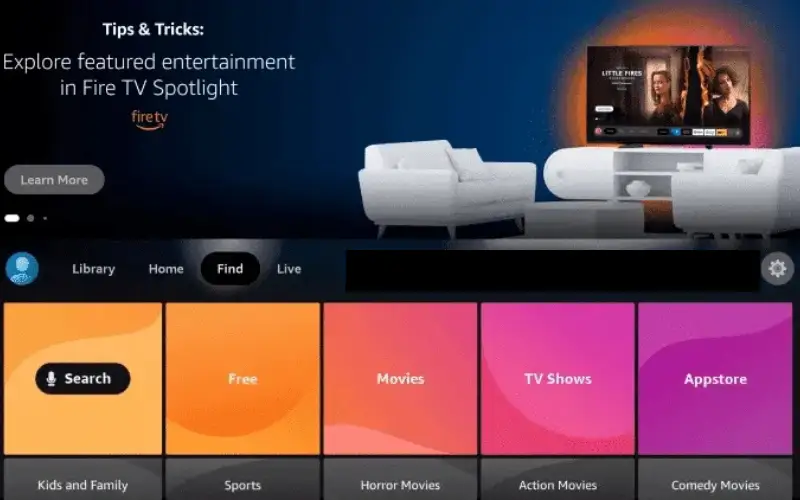
Click Search.
Search for and select Downloader.
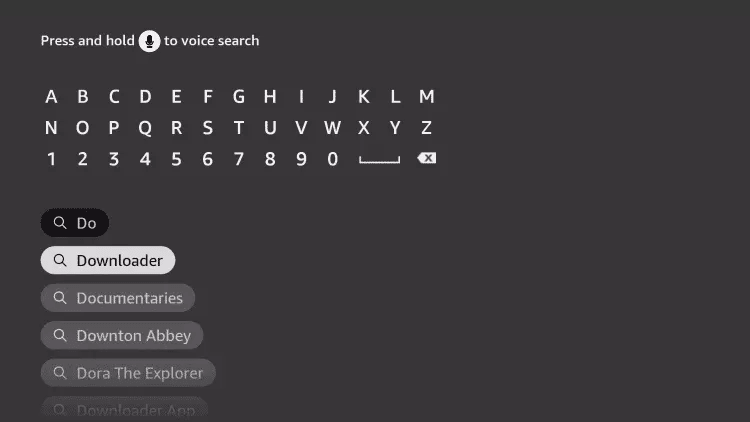
Choose the Downloader app.
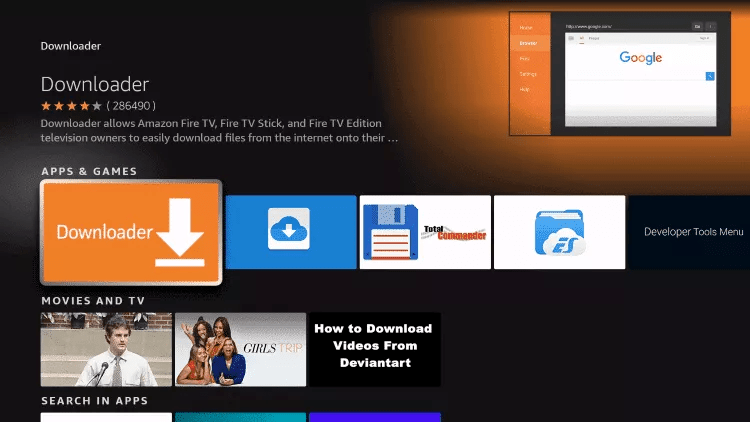
Click Download.
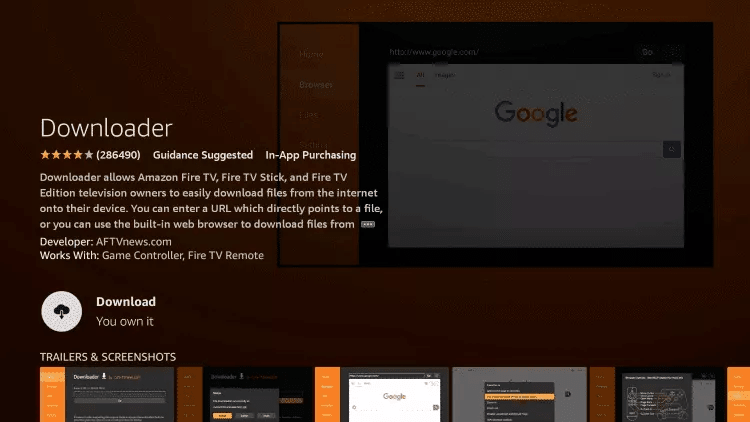
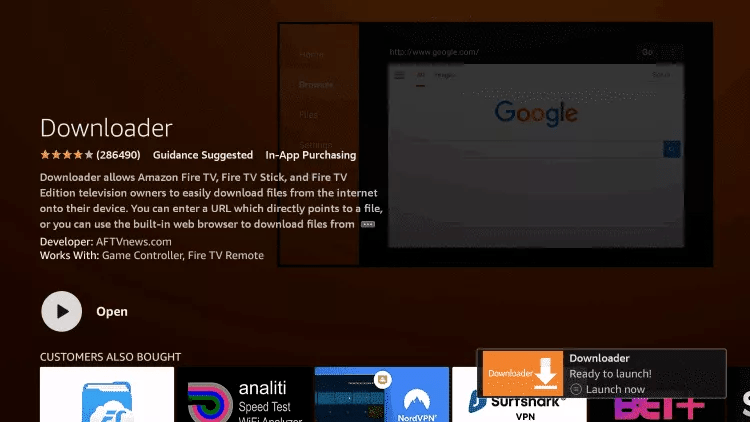
Once the app finishes installing, click Open.
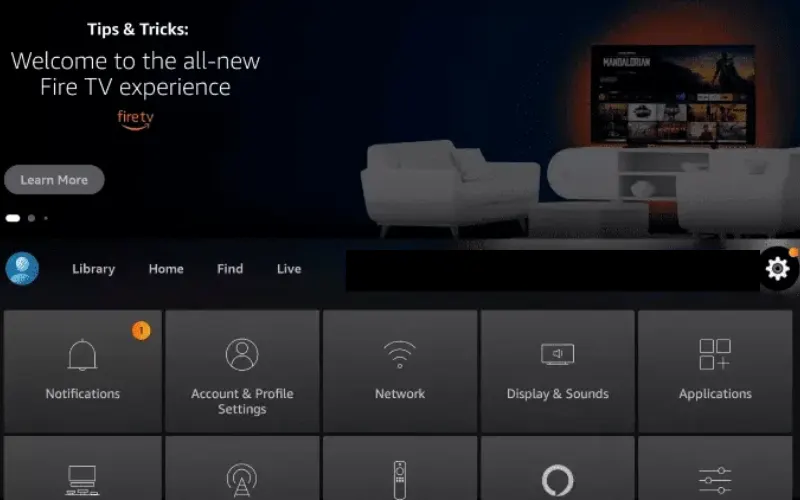
Return to the home screen and open Settings.
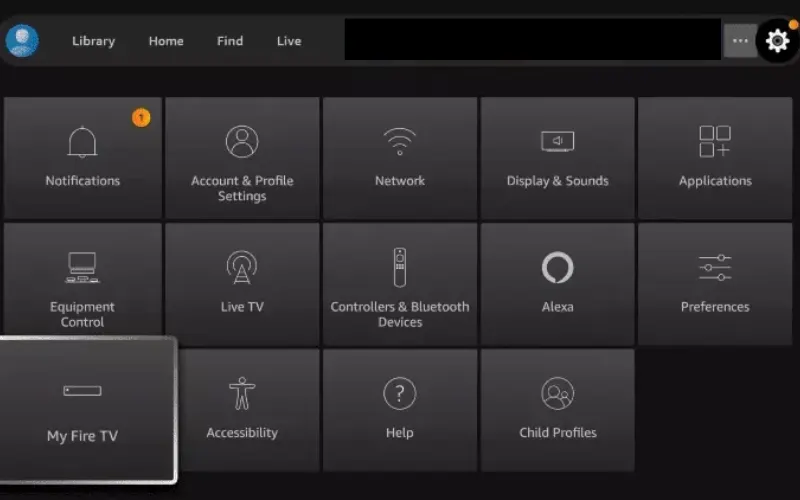
Click My Fire TV.
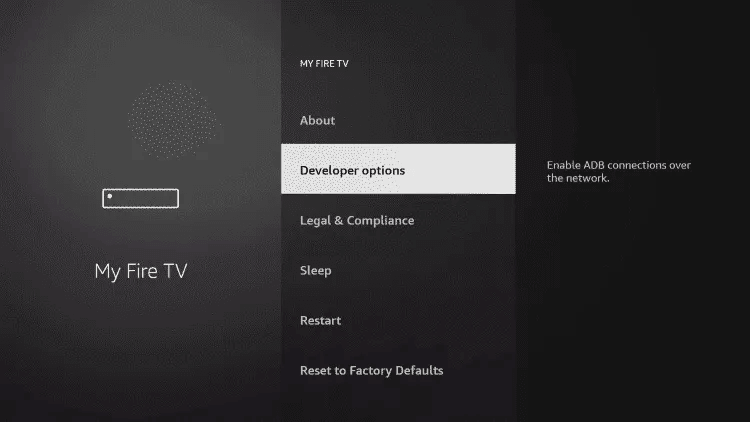
Choose Developer options.
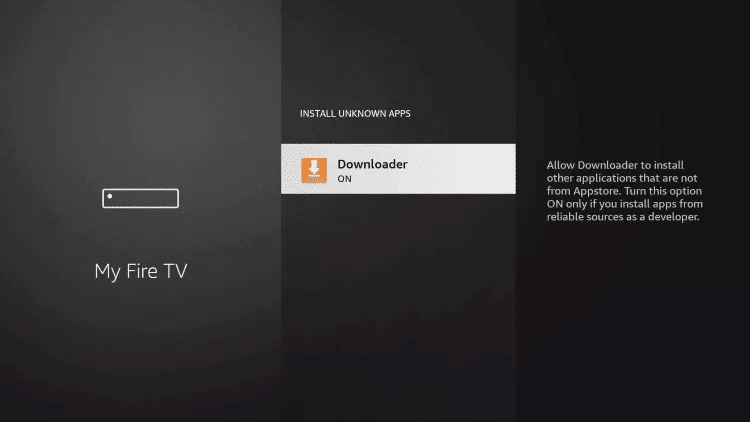
Click Install unknown apps.

Find the Downloader app and click it.

This will turn Unknown Sources to On for the Downloader app. This will enable side-loading on your device.
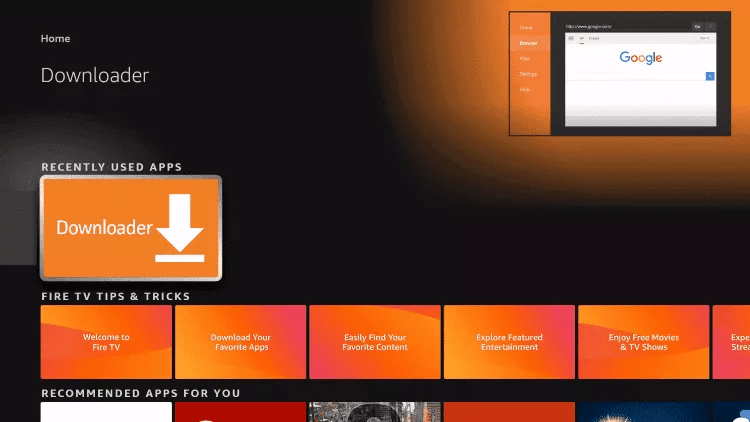
Launch Downloader.
Click Allow.

Click OK.

Type the following URL exactly as shown here: https://www.iptvsmarters.com/smarters.apk and click Go.

Wait for file to download.

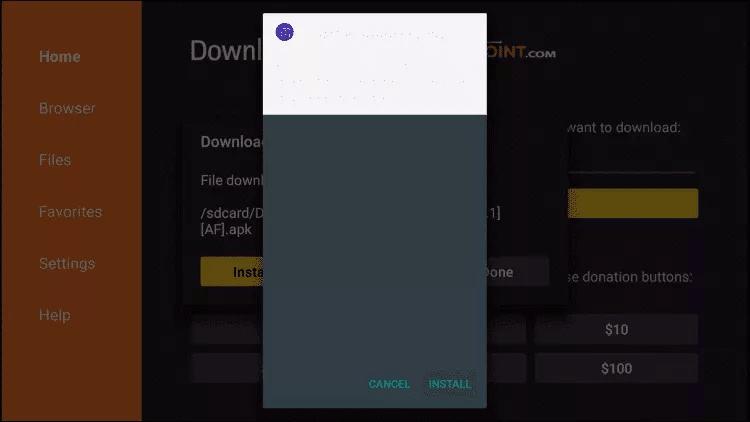
Click Install.
Click Done.
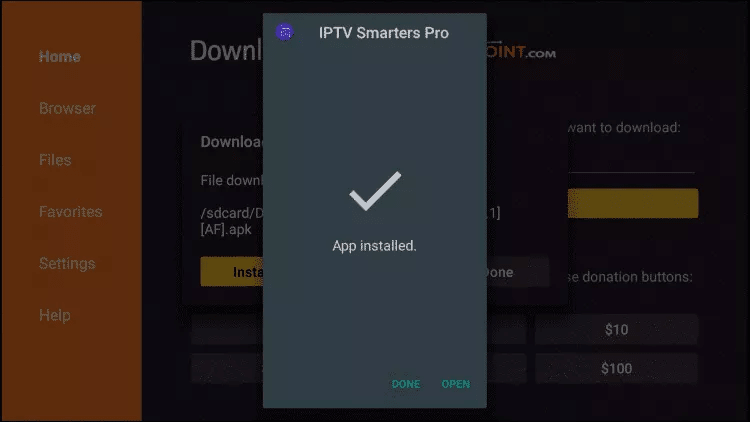
Open IPTV Smarters then select Login with Xtream codes API.
Enter the login details that we sent you via WhatsApp, Email, or Chat. ✅ Done!
Type the following URL exactly: https://tivimates.com/tiviapk and click Go.

Wait for file to download.
Click Install and once the installation is completed, open the app.
Click "Add Playlist" then choose "Xtream codes".
Enter the login details that we sent you via WhatsApp, Email, or Chat. ✅ Done!
🤖 How to setup IPTV on Android with IPTV Smarters Player
Start by downloading IPTV Smarters app through this URL: https://www.iptvsmarters.com/smarters.apk
Open the app once downloaded and enter the login details.

Enter the login details that we have provided you after you get a subscription with us. Now click on "ADD USER" to proceed.
Wait some seconds.
Now click on "Live TV" icon.
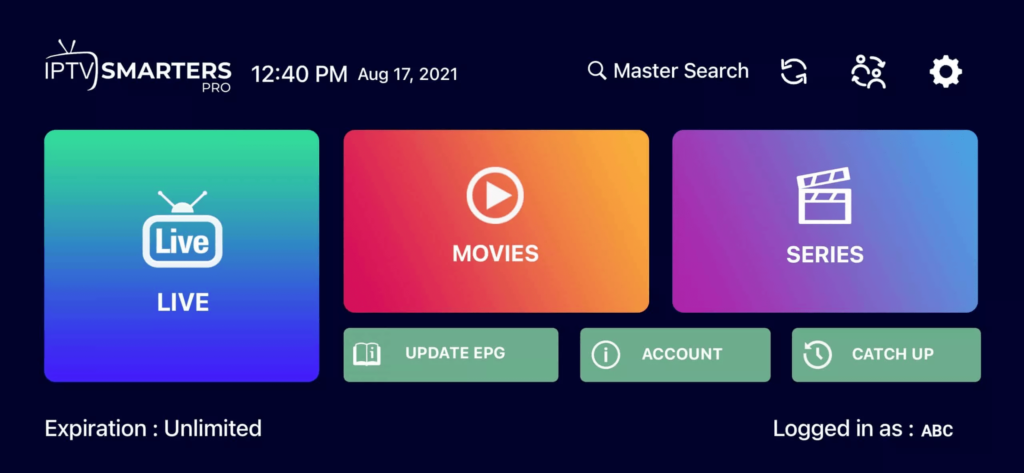
Select the channel group that you want to watch.
Click on the channel name and then double click on the small screen to turn into full screen. ✅ Done!
🍎 How To Setup IPTV On Apple/iOS With IPTV Smarters Player
Start by downloading IPTV Smarters app from the Apple Store: https://apps.apple.com/in/app/smarters-player-lite/id1628995509
Or search for it on the App Store and install the app on your iOS device.
Open the app once downloaded and enter the login details.
Enter the login details provided after subscription. Click "ADD USER".
Wait some seconds.
Click on "Live TV" icon.
Select the channel group you want to watch.
Click on the channel name, then double click to go full screen.
To add EPG: click on "Install EPG" — no URL needed. ✅ Done!
📺 How to setup IPTV on Smart TV
Download SetIPTV / NetIPTV / Smart IPTV from your TV store on Samsung, LG, etc.
After installation, open the app — you will find your MAC Address on screen.

Send us the MAC address via WhatsApp / Email / Live Chat.
After a few minutes, restart/reboot your TV and open the app. ✅ Done!
💻 Windows / MacBook
Windows Method:
Download IPTV Smarters app through this URL: https://www.iptvsmarters.com/download?download=windows
MAC Method:
Download IPTV Smarters app through this URL: https://www.iptvsmarters.com/download?download=mac
📦 Mag Box
For Mag Box setup, please contact our customer support team directly. Our team will guide you through the installation process step by step.